Why we build real things

One part of our approach. People sometimes ask: why small boards, wires and C++, when AI is everywhere? Our short answer: software, AI and hardware work in one loop, as one system. We teach the whole working system, real things first and AI where it helps, and a student who can explain it, test it and fix it.
Every smart machine is a whole system

A robot vacuum, a self-driving car or a heart monitor does the same four things as our projects: it measures, decides, acts and checks the result. The AI model, when there is one, is one part inside.

The world light, distance,people, things 1 Measure sensors, camerabuttons 2 Decide a small computer: yourcode, maybe an AI model 3 Act motors, servos,lights, sound 4 Check did it work?test, measure, fix What studentslearn here a measurement isnot the real thing timing, power andcode work together a model can be wrong:test it, plan for it a demo is not a test

What students learn that lasts

  • Find faults step by step. "The motor does not turn" can be the code, a pin, too little power or a stuck wheel. Students learn to say what should happen, look at what happens, and test one cause at a time.
  • Connect ideas to reality. Predict, measure, explain the surprise. A sensor value is not the world.
  • Think in systems. Code, wiring, mechanics and power must work together; improving one part does not always improve the whole.
  • Own what they make. "It does this because I programmed it." That pride carries students through hard problems.

These ideas carry over to any new board, language or AI tool. We follow each student's progress in five learning areas: logical thinking, programming, electronics, systems thinking and AI competence.

And AI?

AI is part of engineering, so it is part of our projects. In some, AI is the machine itself: a sorter with a model the students trained, a car that sees with a camera. There they also learn what engineers worry about: where the data comes from, when the model is wrong, and what the machine should do then.

Students also use AI as a helper, the way engineers do, and check its advice on the real machine. Our line is Build the machine. Keep the know-how. A working robot is not the same as a student who understands it.

A model in a real product still needs sensors, power, code that acts on its answer, and people who understand all of it. That is what we build.

Why these boards

Simple boards show every layer: one pin, one wire, one line of code, and you see the result. Students walk before they fly, and they move to a bigger board when a project needs it, not before.

A Micro:bit showing a face on its LEDs
Micro:bitQuick success on day one: display, buttons, sensors and radio are built in. MakeCode blocks, then Python. Designed for schools.
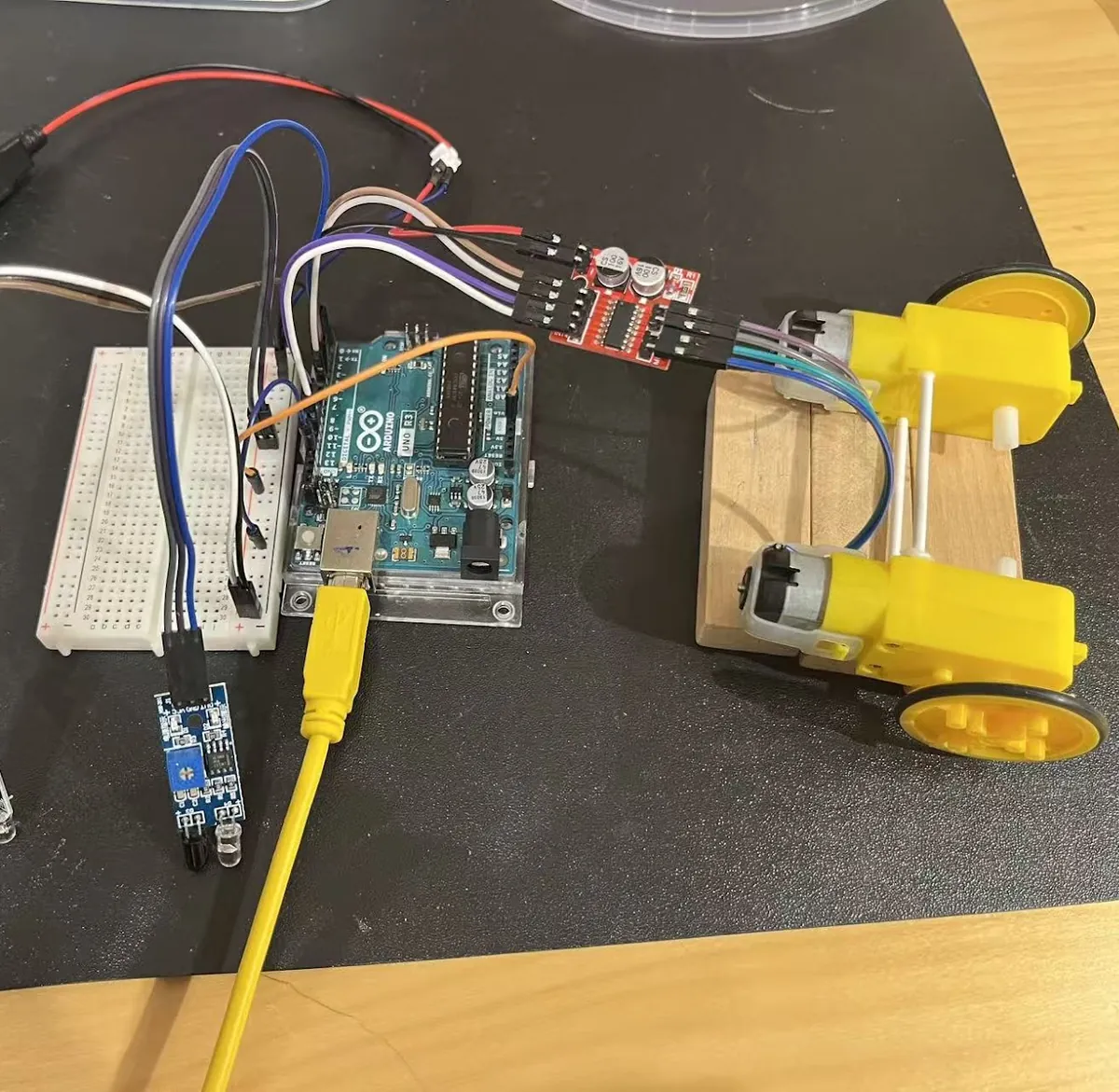
An Arduino UNO wired to sensors and two motors on a breadboard
ArduinoSensing and control made visible. A huge open community and cheap parts. C++, the language of much of the world's devices; the same thinking runs on newer boards.
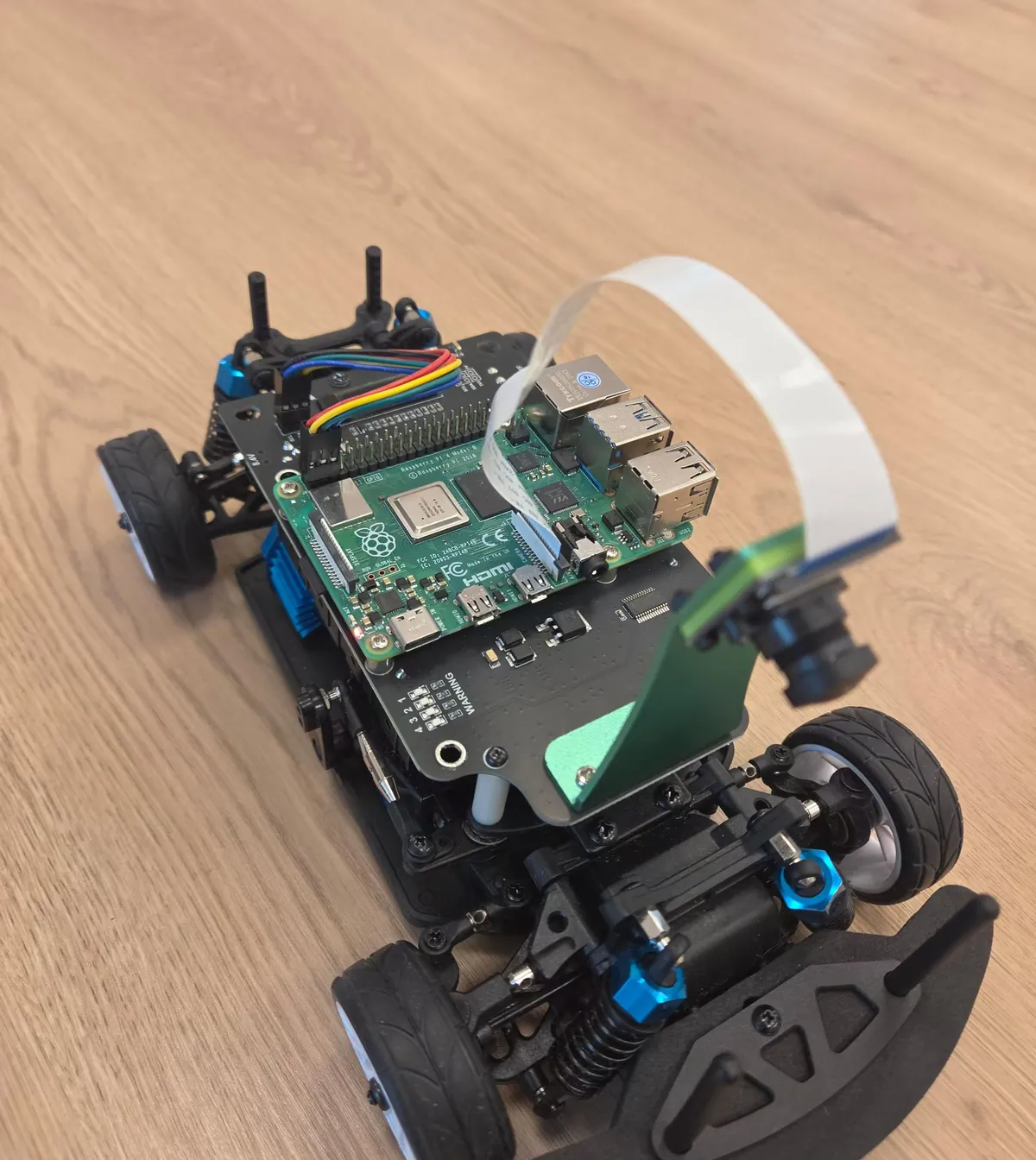
A Raspberry Pi on a robot car
Raspberry PiA real computer: Linux, Python, cameras, networks, and AI models running on the board.

We are not limited to these. We also have newer boards such as ESP32 and Raspberry Pi Pico, and we bring them in when students have the base knowledge and the interest, and a project clearly gets better with them, for example with Wi-Fi. We look at the boards every year and move with the times. What we ask of every board: how soon can a student do something alone, how much can they see and change, will setup problems eat the lesson, and can they go on at home without much cost.

Some facts

What we promise, and what we do not

We do not promise that a board or a language today leads to a job tomorrow. Nobody can.

We do promise growing independence: making technical decisions, building working systems, and checking one's own understanding. We see it when a student explains a part, predicts what a change will do, finds a fault we hid, or changes the project for a new need. That is valuable for a future engineer, a future AI developer, or someone who never becomes an engineer at all.

We also use what is quicker where it fits: the code editor in the browser, simulated boards, short explanations before building.

Questions we often hear

Why Arduino?
The Arduino family is proven and widely used, and embedded control is current engineering. We use a board when it makes the learning clear, and a more capable one when the project needs it.
Where does AI fit in?
Inside the projects: we teach AI too. Building the machine around it shows where its data comes from, how to test its answers and what happens when it is wrong.
What do students take with them?
Foundations in programming and testing, and growing technical independence. We do not promise a career; we can show what each student understands and can do.
Why C++?
It shows how software controls hardware and runs much of the world's devices; with C it is among the three most used languages. Nobody starts there: blocks and Python come first.
Can students go on at home?
Yes. A Micro:bit or an Arduino costs little, and MakeCode and our code editor run in the browser. Students can sign in and continue their projects from home.
Why not a simulator?
We use simulators where they help. Real things add what a simulation leaves out: real measurements, power, connections, timing and mechanics.

Some of the thinking behind this

More about how we teach on About, our Courses and our projects.