Micro:bitMakeCodeExploreFirst steps Students only

Digital pet: look after it

Your Micro:bit becomes a small pet. Feed it with A, play with it with B. It gets hungry all by itself, shows how it feels, and runs away when you forget it. Nothing to wire, and a cardboard body to print: a cat, a dog or a mouse.
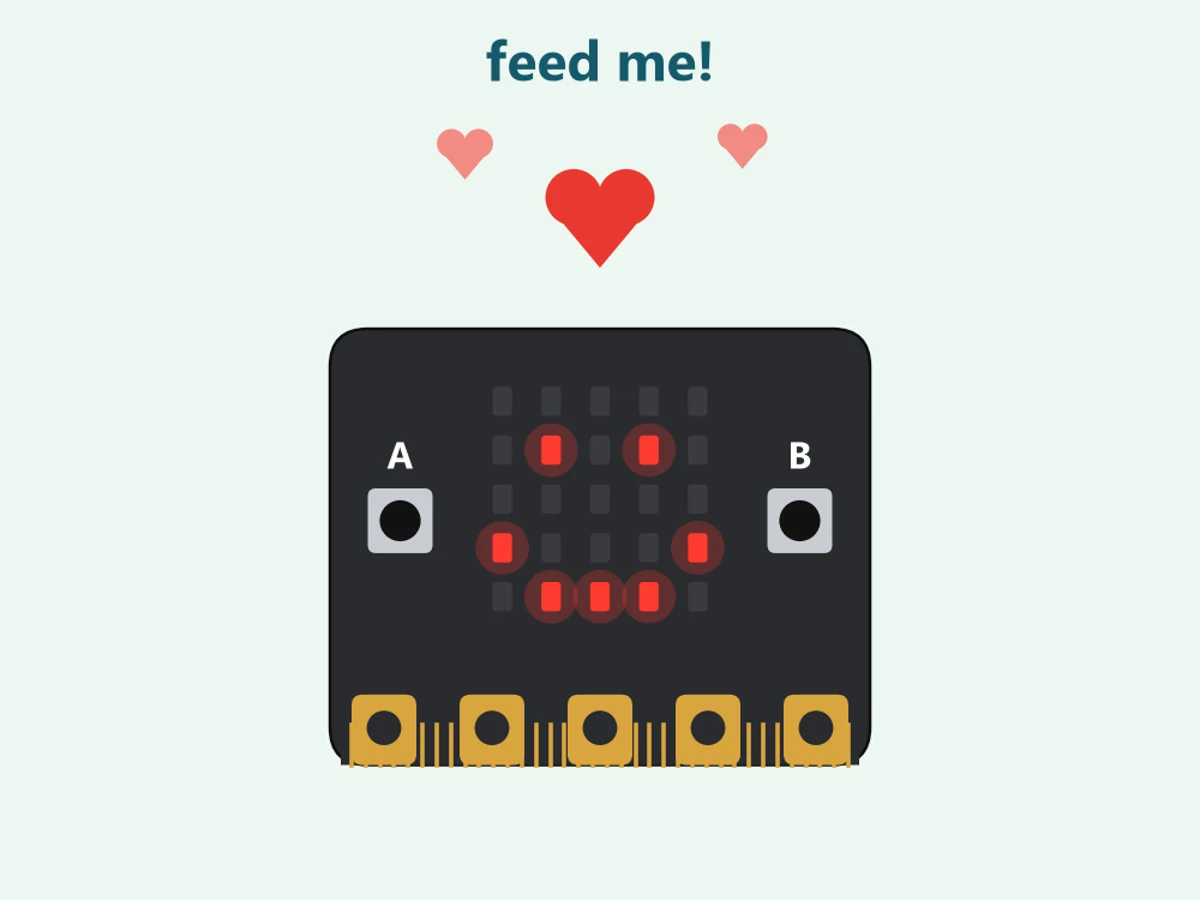
A Micro:bit with a happy face, a heart above it

See it in action

On screen: the pet smiles, hunger grows by itself, the face turns hungry and then sad; button A feeds it and it smiles again
Hungry, then fed story 3, on screen, fast time
A real Micro:bit on a laptop: its face cries
A face with feelings a real one: a loud sound makes it cry
A Micro:bit with a happy face, a heart above it
Your pet on the desk or in your bag

Story by story

4 stories. Each one is a step that works on its own, and the next one builds on it. Then the challenges: real problems to solve.

  1. 1
    Feed and playbuttons
  2. 2
    It gets hungrya variable
  3. 3
    Happy, hungry, sadif and else if
  4. 4
    Pet methe touch logo

What you learn

6 Programming1 Electronics1 Systems thinking1 AI competence

Explore, first steps: the Micro:bit alone, buttons, a variable that changes by itself, and if / else if

Programming

  • Make a program with blocks and download it to your Micro:bit
  • on button A and on button B: each button starts its own blocks
  • hunger is a variable: a number the program remembers and changes from story 2
  • forever goes round and round: hunger grows by itself from story 2
  • pause 3000 ms decides how fast your pet gets hungry from story 2
  • if and else if pick the face: happy, hungry or sad from story 3

Electronics

  • The Micro:bit V2 feels a touch on its logo from story 4

Systems thinking

  • Wait, watch the number, feed it: does your pet do what you planned?

AI competence

  • You decide how your pet feels and how much care it needs from story 3

Parts you need

For all the stories together. The first story needs the fewest parts; a small note says from which story a part comes in.

Micro:bit V2 and a USB cable
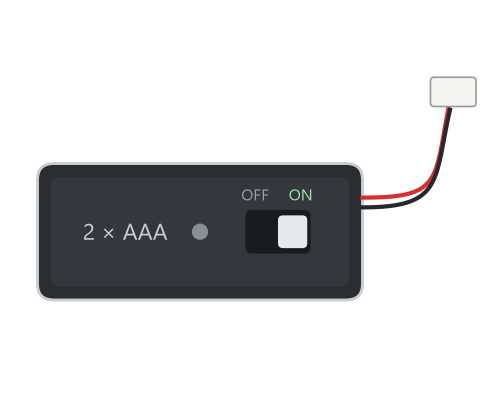
Battery pack with ON/OFF switch (to take your pet along)

In the full project guide